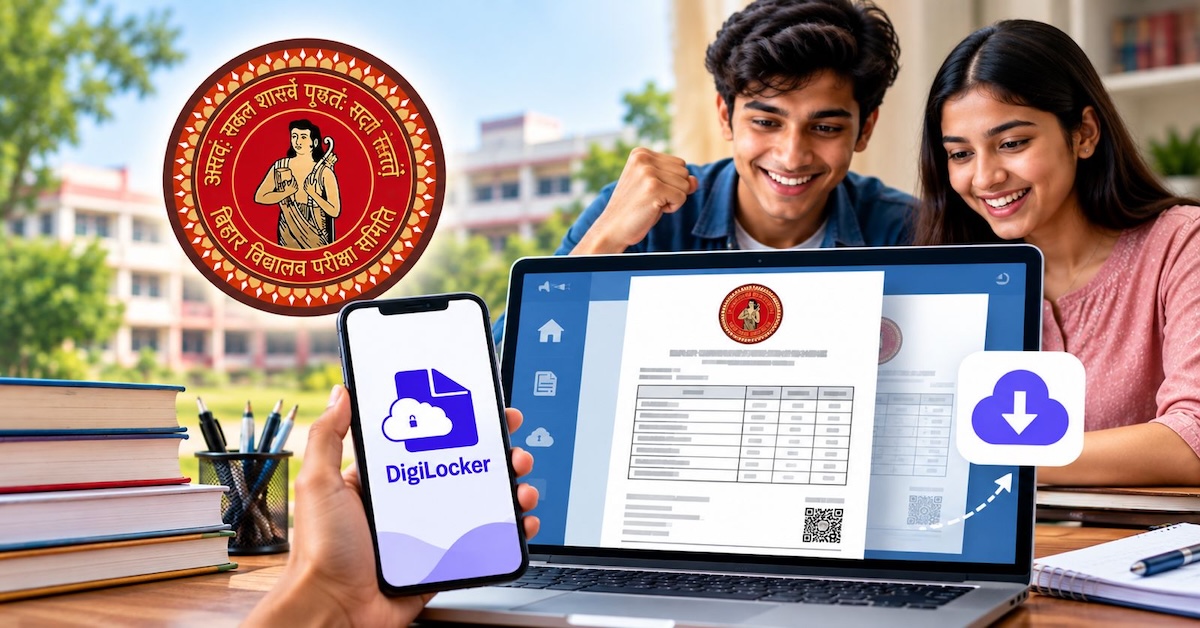
Patna: The Bihar School Examination Board (BSEB) has made the academic documents of students who appeared for the 2026 Class 10 (Matric) and Class 12 (Intermediate) examinations available on DigiLocker.

The initiative will allow students to access their marksheets and other academic documents digitally from anywhere and at any time, eliminating the need to visit the board office or another location to obtain them.
2026 Documents Uploaded

Bihar Board Chairman Dr Tyagarajan SM said the academic documents for the 2026 Matric and Intermediate examinations have been uploaded to DigiLocker.
Deepak Kumar Singh, Additional Chief Secretary, Lok Bhawan, Patna, played a key role in implementing the system, according to the board.
The initiative has been implemented in coordination with the Ministry of Electronics and Information Technology and the Digital India Corporation.
Earlier Examination Records To Follow
The Bihar Board said academic documents for examinations conducted before 2026 will also be made available on DigiLocker soon.
These documents will include students’ marksheets and certificates. The board said students will be informed about their availability through various channels.
Digital Documents Valid For Official Use
Academic documents issued through DigiLocker are considered equivalent to original documents under the Information Technology Act, 2000.
The digital documents can be used for purposes including higher education admissions, employment and scholarships.
Since the documents are issued directly by the Bihar School Examination Board through DigiLocker, they can also be used for verification of their authenticity.
Relief In Case Of Lost Documents
The digital system is expected to provide an alternative for students who have lost or damaged their original marksheets or certificates.
It can also help reduce concerns related to forged academic documents by enabling institutions and other authorities to verify digitally issued records.
Students will be able to use the documents for admission, scholarship, employment and other processes where academic records are required.
How To Download Bihar Board Documents
Students can access their documents through the DigiLocker website or mobile app by following these steps:
- Visit the DigiLocker website or open the mobile app.
- Sign up or log in using a mobile number verified with Aadhaar.
- Go to ‘Issued Documents’ or ‘Search Documents’.
- Select the Bihar School Examination Board.
- Choose the relevant Class 10 or Class 12 document.
- Enter details such as the roll code, roll number and examination year, including 2026.
- Verify the details and retrieve the digital document.