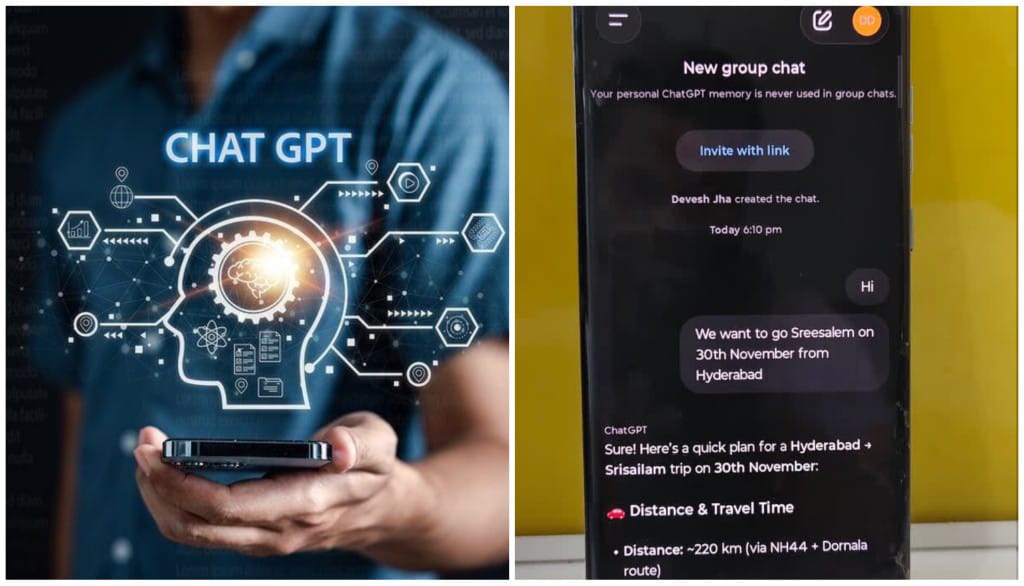
Patna: OpenAI’s latest update has brought Group Chats to ChatGPT users in India, giving friends, families and work teams a shared space where up to 20 people can plan, debate or collaborate with the help of the AI. The feature, first rolled out to select countries on November 14, is now part of a global release and is live across the ChatGPT app and web version.

The tool has been tested, which reports that the feature integrates seamlessly once the app is updated. Users on desktop will also notice a new ‘Get Together’ button on the web interface, enabling instant group creation.
How the Feature Works — And Why It Feels Different
Once a group is created, users can share an invite link via WhatsApp, Instagram, Gmail or any platform. But the most notable upgrade is the AI’s ability to understand when to speak and when to stay silent.

According to OpenAI, ChatGPT now interprets the flow of group conversations, responding only when relevant. It can distinguish between messages requiring AI intervention and those that don’t — a significant leap from previous models where AI replies could feel intrusive.
“ChatGPT knows when to listen, when to respond and when to back off,” the company notes.
Creating a Group Chat: Step-by-Step
Users can set up a group in a few easy steps:
-
Update the ChatGPT app or open the web version.
-
Tap the People icon in the top-right corner.
-
Select Start Group Chat to create a new room.
-
Share the Invite with Link option to add members through any platform.
-
Customise the group’s name, photo and username as needed.
What You Can Do Inside ChatGPT Groups
Tapping the profile icon inside a group reveals a range of controls:
-
People – view all members
-
Add People – include new participants
-
Manage Link – copy, reset or delete invite links
-
Customise ChatGPT – add manual instructions or customise response behaviour
-
Respond Options
-
Automatically — ChatGPT replies intelligently based on context
-
When Mentioned — ChatGPT responds only when tagged
-
-
Mute Notifications
-
Report, Leave Group, or Delete Group
These settings offer users a high level of flexibility, especially for work and project groups.
Privacy and Model Details
OpenAI has reiterated that personal memories from private chats do not carry over into group chats. The AI will not create new long-term memories inside groups either, ensuring user privacy.
The feature runs on the GPT-5.1 Auto model, which dynamically selects the most suitable version depending on the query.
Who This Feature Will Help Most
The Group Chat tool is tailored for:
-
Travel planning
-
Family coordination
-
Team meetings
-
Event preparation
-
Dinner or outing plans
-
College and project discussions